Workflow comparison

Understanding mirelo vs audio for video sound workflows

The useful question is not whether a brand can replace audio. It is whether starting with the picture helps you plan sound faster than starting with a timeline of recordings. This guide compares those approaches without assuming that any particular file format, control, or export is available.

Verdict first: choose by the job

Start with the footage when timing and on-screen action drive your sound choices. Start with audio editing when you already have recordings that need precise placement, mixing, or repair.

Dimension by dimension: where the comparison stops

A video-led sound workflow and an audio editor solve overlapping problems, but they are not interchangeable.

This page cannot verify a feature

A comparison of approaches does not establish which uploads, exports, controls, or project types a particular destination currently accepts. Those details can change independently of this guide.

Workaround

Check the destination's current interface and terms with a short, nonessential test clip before committing a project.
A visual cue is not a finished mix

Knowing that a door closes on screen does not determine its loudness, acoustic space, relationship to dialogue, or how it should sit beside music.

Workaround

Review each cue in the full scene, then make final balance and continuity decisions in an audio editor.

Neither approach clears rights

A sound that fits a picture still needs appropriate usage rights. The comparison cannot establish rights for recordings, generated material, music, or the footage itself.

Workaround

Keep a record of each source and check the applicable terms before publication.

Who each suits: a three-pass decision

Use the same short scene to test both ways of working. A fair comparison holds the picture and creative brief constant.

  1. 1

    Mark what the viewer sees

    Watch the scene once without sound. Note visible impacts, movement, setting changes, and moments that should remain quiet. This gives a video-led approach a concrete brief rather than a vague request for atmosphere.

  2. 2

    Build an audio-first alternative

    Using recordings you can legitimately use, place candidate cues against the same scene. Note the work needed to find sounds, align them, trim them, and make transitions feel continuous.

  3. 3

    Compare the result, not the novelty

    Play both versions at a consistent listening level. Judge timing, clarity, unwanted sounds, and the amount of manual correction still needed. Keep whichever approach serves the scene.

Migration path: match the workflow to the maker

Switching does not have to mean abandoning an existing editor. The practical choice is often which approach supplies the first usable sound idea.

Video essay creator

A sequence of cuts needs subtle transitions, but narration must remain intelligible. Picture-led planning can identify where a cue belongs; audio-first editing remains useful for checking speech balance.

Try candidate effects against the cut, then review them beneath the final voice track rather than judging them in isolation.

mirelo for youtube

Music producer

The goal is editable notes from a recording rather than sound that follows a shot. That is a different input-and-output problem from choosing effects for video.

Define whether the deliverable is a sound cue or musical note data before choosing a workflow.

mirelo audio to midi

Creator testing an online workflow

A brief clip is available, but the team has not confirmed access conditions or supported project inputs. A large migration would create avoidable uncertainty.

Test with disposable material, inspect the current terms, and retain the original edit until the result meets the brief.

mirelo online free

Migration path: picture first, then listening

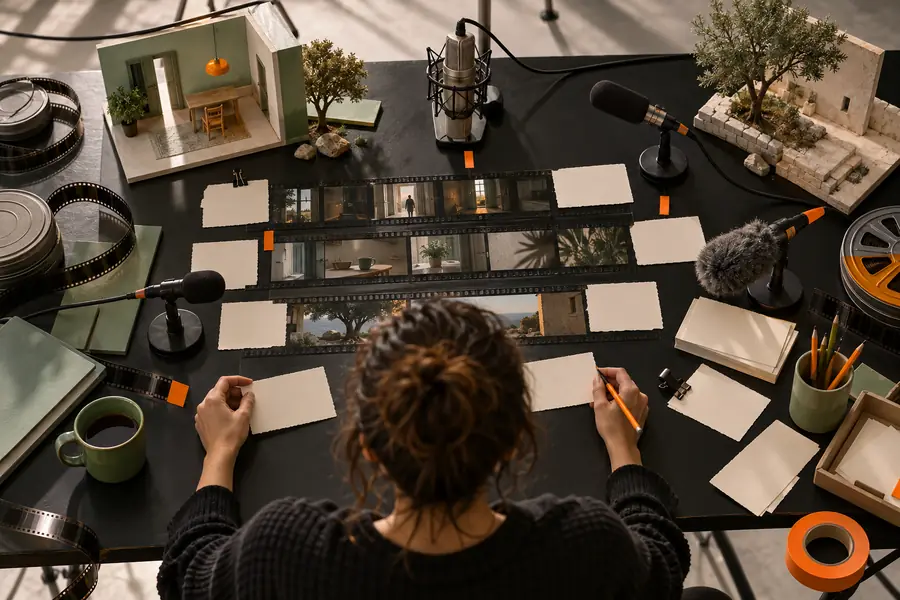
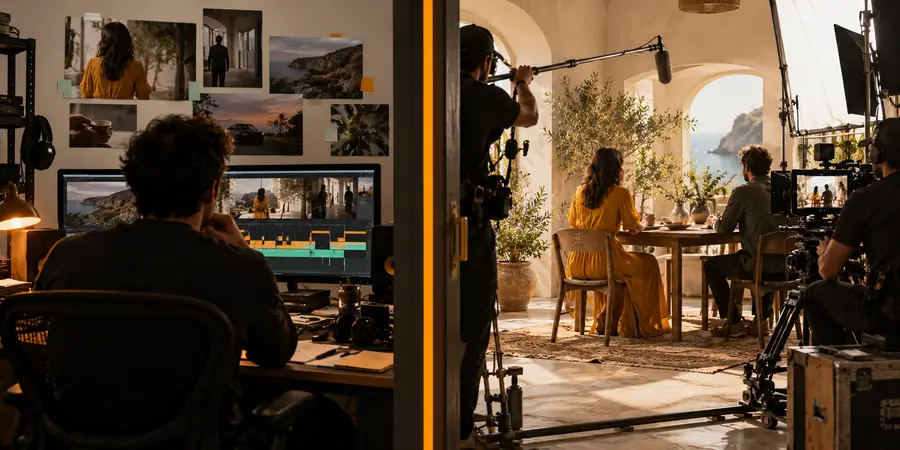
These visuals illustrate a change in working perspective, not a verified before-and-after output from a tool.

Illustrative video-editing view used to plan where sound belongs Inspect the cut
Illustrative visual for comparing a video-led sound plan with audio editing Evaluate the sound plan
The useful handoff is a list of timed sound decisions. Keep the original footage and any source recordings available so you can revise the mix independently.

Migration path: a side-by-side checklist

Read these as workflow tendencies, not a specification sheet for a particular product. Test actual capabilities at the destination before relying on them.

Video-led sound planning
Audio-first editing

Starting material

Video-led sound planning

A shot, sequence, or description of visible action.

Audio-first editing

Existing recordings, music, dialogue, or an empty audio timeline.

First question

Video-led sound planning

What should the viewer hear at this moment?

Audio-first editing

Which available sound should be placed or changed?

Timing reference

Video-led sound planning

Visible events and cuts provide the initial cue points.

Audio-first editing

Waveforms, markers, and playback guide placement.

Useful when

Video-led sound planning

The picture is clear but the sound concept is not.

Audio-first editing

The sounds are known and need detailed arrangement.

Manual work remaining

Video-led sound planning

Check appropriateness, sync, continuity, rights, and the final mix.

Audio-first editing

Find or record material, edit it, balance it, and check it against picture.

Weak spot

Video-led sound planning

A plausible idea may still sound wrong in the full scene.

Audio-first editing

Searching and placing sounds can take time before the scene has a direction.

Safe handoff

Video-led sound planning

Bring selected cues and timing notes into the edit where possible.

Audio-first editing

Retain the editable session and source recordings for revision.

Migration path: test with one scene

Put the comparison to work

Choose a short scene with one clear action and one quiet moment. Decide what sound should accomplish, inspect the destination's current capabilities, and compare the result with a version made from your existing recordings. Keep final mixing and rights checks in your review.

Explore audio tools
  • Start with a small, nonessential clip
  • Judge sound in context with dialogue and music
  • Keep original project files for revisions

Comparison FAQ

Audio is a broad category, not a single competing product. Here the comparison is between planning sound from video and working directly with recordings in an audio editor. Both approaches can contribute to the same finished scene.

Do not assume it can. Even a well-matched sound cue may need level changes, trimming, transitions, and a check against dialogue and music. Keep an editing workflow available for the final listen and revisions.

That depends on the available controls and the scene. Visible action provides useful timing targets, while an audio timeline lets you inspect and adjust placement directly. Test a cue against an exact frame and listen through the surrounding cut before deciding.

Not necessarily. Your library may already contain the right material, making audio-first editing the shorter path. A picture-led pass can still help identify missing cues or reveal where a familiar sound does not fit.

Use the same footage, sound brief, and listening conditions for both approaches. Check timing, intelligibility, continuity, and how much correction remains after the first pass. Do not judge a cue only while it is soloed.

Start creating
Start creating